Image SEO: Optimizing Photos for Search
Your photos affect your speed, your accessibility, and your rankings. Here's how to get them right.
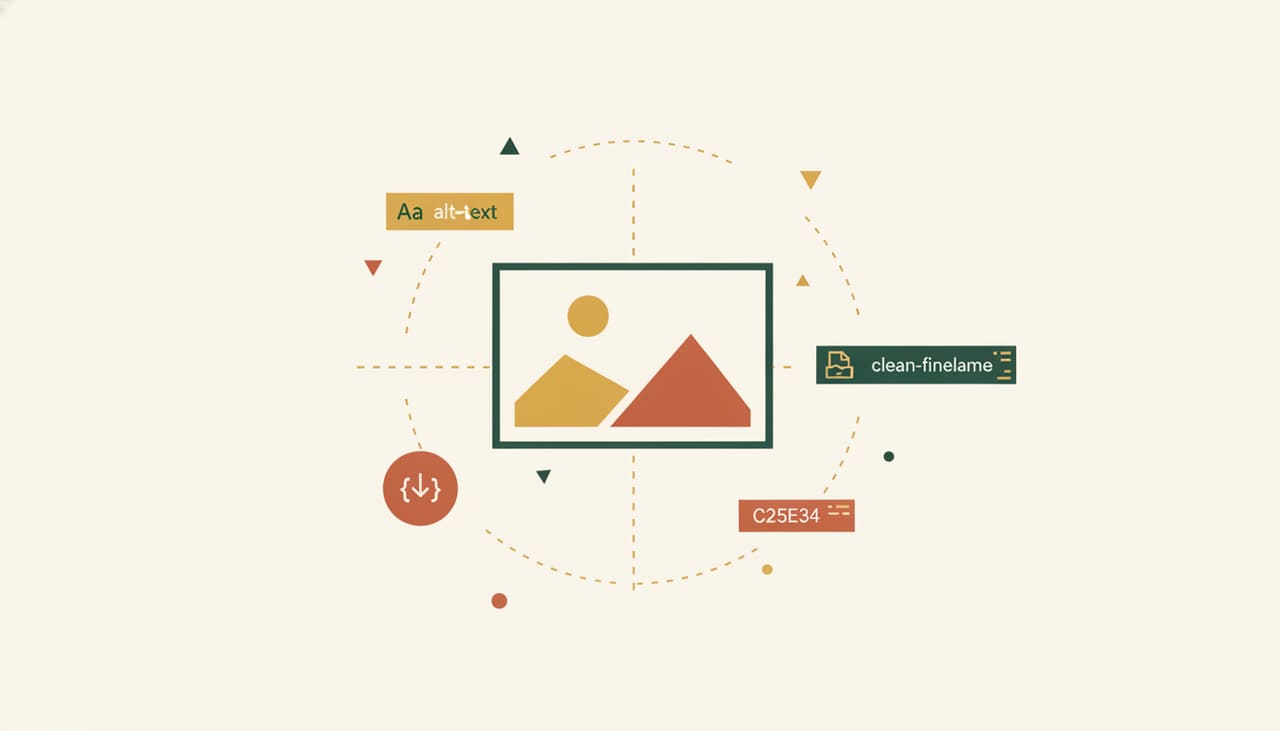
Images do more for your SEO than most business owners realize — and unoptimized ones quietly hurt you. Big, slow images drag down your speed; missing descriptions make you invisible to image search and screen readers. Here's how to get photos right without overthinking it.
Compress before you upload
A giant photo straight off a phone or camera can be several megabytes — enough to noticeably slow your page. Resize images to the dimensions you actually need and compress them. Faster pages rank better and keep visitors from bouncing.
Use descriptive file names
"IMG_4821.jpg" tells Google nothing. "scottsdale-kitchen-remodel.jpg" describes the image. A clear, descriptive file name helps search engines understand your photo and gives you a small relevance boost.
Write real alt text
Alt text describes an image for screen readers and search engines. Write a genuine, concise description of what the image shows. It makes your site accessible, helps you appear in image search, and it's the right thing to do — not a place to stuff keywords.
Use the right format
Modern formats and properly sized JPEGs load faster than heavy, oversized files. You don't need to be technical — just avoid uploading enormous originals, and use a tool that outputs web-friendly, compressed images.
Use genuine, relevant images
Real photos of your work, team, and location outperform generic stock. They build trust, and when they're relevant to the page, they reinforce what the content is about. Authentic beats generic every time.
Image SEO is low-effort, high-return: compress, name descriptively, write real alt text, and use genuine photos. Do that and your images help your rankings instead of quietly hurting them.
Key takeaways
- Compress and right-size images before uploading — speed matters.
- Use descriptive file names, not 'IMG_1234.jpg.'
- Write real, concise alt text for accessibility and image search.
- Use genuine photos over generic stock.
Why trust this guide
Advice from a team that does this every day.
Scottsdale SEO Company is the Scottsdale brand of Salterra, a digital agency led by Terry Samuels — an SEO speaker and conference founder. Our team has 14 years in search and 300+ five-star reviews, earned as Salterra.
Meet the team- 14 years of hands-on SEO
- 300+ five-star reviews · 4.8★ average
- No lock-in contracts, ever
- Plain-English reporting every month
Good questions
Frequently asked
Related reading
Related pages.
Ready when you are
Want a faster, better-optimized site?
See exactly what we do and what it costs — or tell us about your business and we’ll send back a plan with a straight-up price. No contracts, no pressure.
(480) 613-3135