NAP Consistency: What It Is and Why It Affects Your Local Rankings
Inconsistent business information scattered across the web is a quiet rankings killer — here is how to find it and fix it.
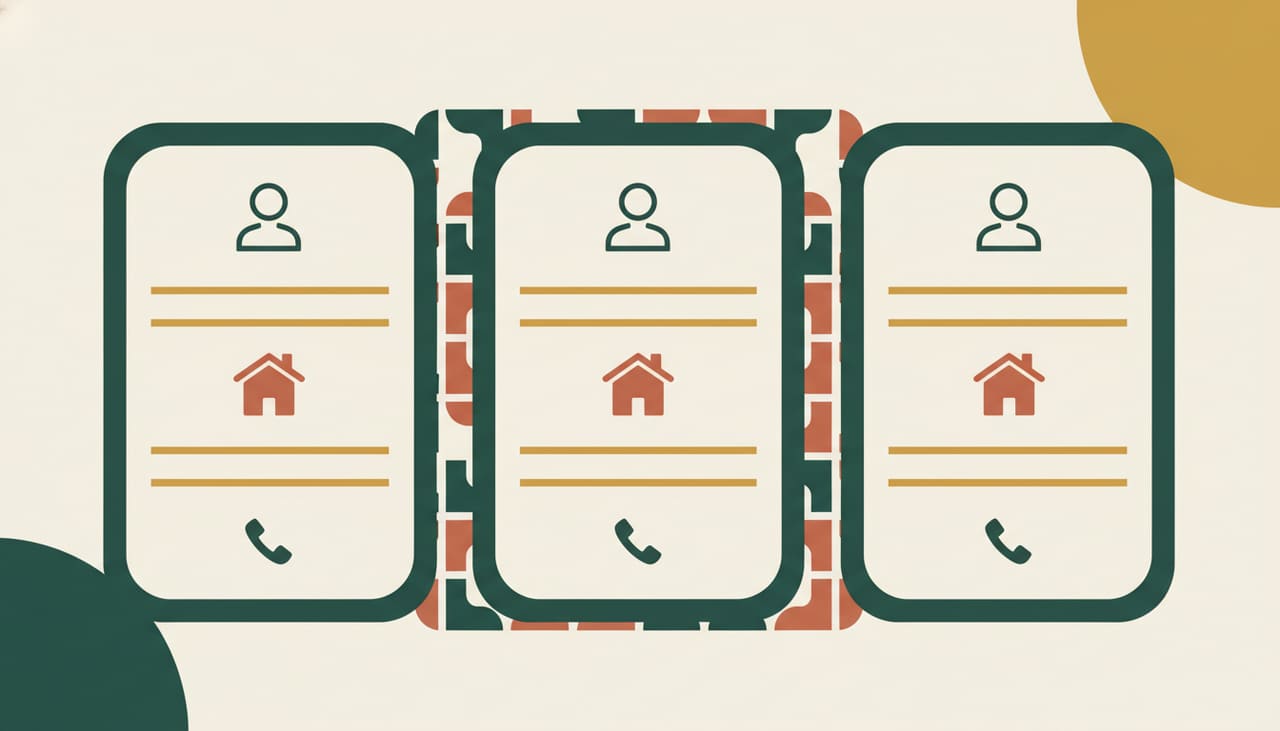
NAP stands for name, address, and phone number. In local SEO, NAP consistency means that your business's name, address, and phone number appear exactly the same way across every place they show up online — your website, your Google Business Profile, Yelp, Apple Maps, Bing Places, industry directories, local chamber listings, and anywhere else your business is mentioned.
When those details match exactly everywhere, Google has high confidence in your data. When they differ — even in small ways — that confidence drops, and your rankings can drop with it.
Why Small Differences Actually Matter
It might seem like Google would understand that 'Suite 200' and 'Ste. 200' refer to the same location. And sometimes it does. But Google processes enormous amounts of data automatically, and it treats inconsistencies as uncertainty. The more uncertainty it has about your data, the less likely it is to display your business prominently in local results.
Common inconsistencies that cause real problems include:
- Old phone numbers from before a number change that still appear on directories
- An old address still live on a directory after you moved locations
- Business name variations — 'ABC Plumbing,' 'ABC Plumbing LLC,' and 'A.B.C. Plumbing' are three different strings to a database
- Suite or unit number formatted differently across sites
- Using a toll-free number in some places and a local number in others
Where NAP Inconsistencies Come From
Most businesses do not create inconsistent NAP data intentionally. It accumulates over time. You moved offices two years ago and updated Google but forgot about Yelp. Your phone number changed and your website was updated but the old number is still live on 15 directories. You registered your business under one name and a third-party site pulled the data and formatted it differently.
Data aggregators are a frequent culprit. These are companies that collect and distribute business data to dozens of other directories. If the aggregator has your old address in its database, every directory that pulls from it will show the old address too. Fixing the aggregator fixes the downstream problem.
How to Audit Your NAP Data
Start with your own assets. Check your website footer, contact page, and any page where your address or phone appears. Then check your Google Business Profile, Apple Maps listing, Bing Places, and Yelp. These are your most important properties.
For a broader audit, tools like BrightLocal, Whitespark, or Moz Local can scan hundreds of directories and flag inconsistencies automatically. If you prefer to do it manually, search Google for your business name in quotes and review the first three or four pages of results. Look at every directory listing you find and compare it to your correct NAP.
Deciding What Your Canonical NAP Is
Before you fix inconsistencies, decide on the exact format you will use everywhere. Write it down. This is your canonical NAP — the master version. Every listing, page, and profile will match it exactly.
- Business name: use your legal or trade name exactly as it appears on your signage or registration
- Address: pick one format for suite or unit numbers and use it consistently
- Phone: use your primary local business number formatted consistently (e.g., always with or always without parentheses)
- Do not use a call-tracking number as your primary NAP phone number
How to Fix Inconsistent Listings
For major directories, log in and update the information directly. For directories where you do not have an account, you may need to claim your listing first. For data aggregators like Data Axle (formerly Infogroup) and Neustar Localeze, submit your correct data directly through their business portals — this will propagate to the directories that use their data.
Some listings will not update overnight. Data aggregator changes can take four to six weeks to propagate across all downstream directories. Check your progress after 30 and 60 days and re-audit anything that has not updated.
NAP on Your Website
Your website should display your NAP somewhere on every page — typically the footer. Mark up your NAP with LocalBusiness schema so Google can read it in a structured format. This gives Google an authoritative source to reference when evaluating your NAP data across the web. If your website says one thing and a directory says another, having schema on your site gives your website data more weight in Google's assessment.
Key takeaways
- NAP consistency means your business name, address, and phone number are identical across every online mention
- Decide on a canonical NAP format first — then fix every inconsistency to match it exactly
- Data aggregators distribute your data broadly, so fixing them has downstream impact on dozens of directories
- Add LocalBusiness schema to your website footer to give Google a single authoritative NAP source
Why trust this guide
Advice from a team that does this every day.
Scottsdale SEO Company is the Scottsdale brand of Salterra, a digital agency led by Terry Samuels — an SEO speaker and conference founder. Our team has 14 years in search and 300+ five-star reviews, earned as Salterra.
Meet the team- 14 years of hands-on SEO
- 300+ five-star reviews · 4.8★ average
- No lock-in contracts, ever
- Plain-English reporting every month
Good questions
Frequently asked
Keep reading
More guides like this
Your free SEO audit
Want Us to Audit Your NAP Data?
We’ll review your website, your Google Business Profile, your top competitors and your keyword gaps — then hand you a prioritized plan in plain English. Yours to keep, whether we work together or not.
- No contracts, no pressure, no jargon
- A real action plan — not a sales pitch
- Reviewed by a 14-year, 300+-review SEO team